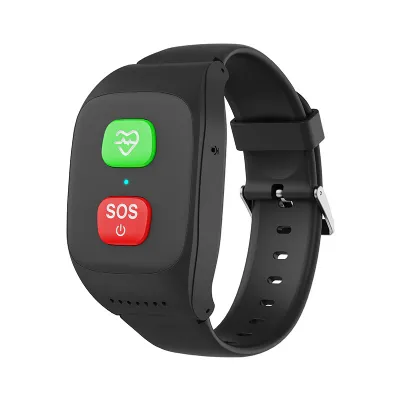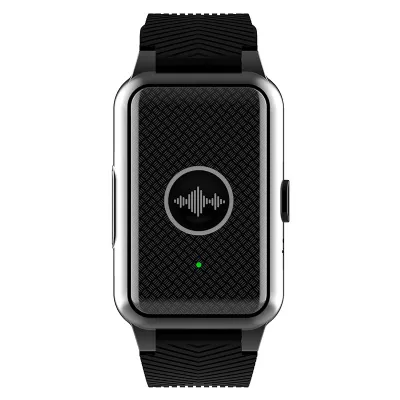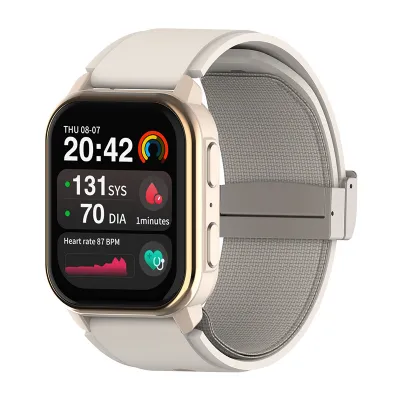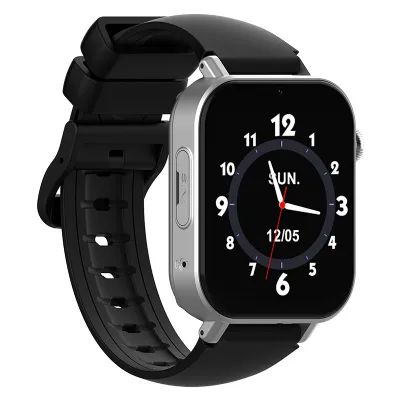
Smart bands aren't all screen-free; some have displays, too. Here, the focus is on screen-free smart bands and smartwatches with larger displays. The main difference is how seniors access their health data, receive notifications, and interact with the device.
Smart bands and smartwatches can track many of the same things, including heart rate, blood oxygen, and sleep, although the exact features depend on the model. The main difference is how seniors access their readings. On a large-display smartwatch, supported data can be viewed on the wrist. With a screen-free band, seniors usually need to open a companion app to see their readings. Viewing historical data and tracking changes over time may also require an app or web platform, depending on the device and its software.
Some models also offer features such as blood pressure monitoring and ECG. Buyers should check which measurements each model supports and whether they match their needs.
In nursing homes or assisted living facilities, staff may need to review readings from several residents, while family members may want to access certain information remotely. Access depends on the app and platform, including who can log in and what data each account can view. Where several people need access to the same resident's information, buyers should confirm that the platform supports these permissions.
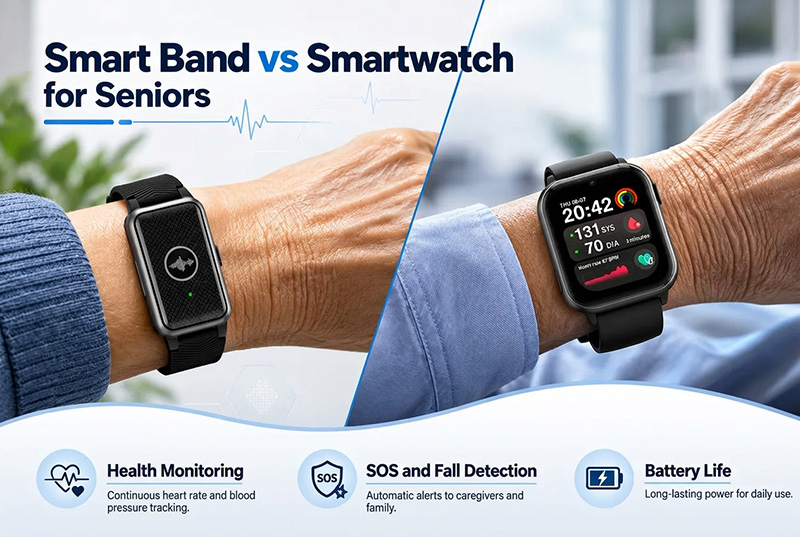
Both smart bands and smartwatches may support SOS alerts and fall detection, but the available features and how they work depend on the model. SOS is usually activated by wearers when they need help. Fall detection works differently: the device tries to recognize a possible fall and can send an alert without seniors having to press anything. Whether an alert is sent automatically, and who receives it, depends on the device and how it has been set up.
For SOS, it's worth checking exactly what the wearer has to do. Some devices have a dedicated button; others require a particular button press or an action on the touchscreen. A screen-free band isn't necessarily harder to operate, since it may have a physical SOS button. Likewise, a smartwatch with a large display isn't automatically easier to use in an emergency. The control needs to be easy for the individual to find and activate, even under stress.
Fall detection works a little differently from one device to another. Some models give the wearer a few seconds to cancel an alert before it is sent to the designated contact, while others follow a different alert process. When comparing devices, it helps to check how fall detection is triggered, who receives the alert, and how seniors or caregivers can manage notifications.
For senior care facilities, the alert process is just as important as the device itself. Staff need to know where notifications are sent and how to respond when an alert comes in. It's also worth checking whether the device needs a paired phone or a mobile network connection. With these details in place, care teams can choose a device that fits their daily routines and the level of monitoring they provide.
The charger is another thing to check. How long does a full charge take? Is it easy to connect, and can staff charge the devices without too much hassle? These details may seem minor, but they matter when devices are used every day. If sample testing is possible, staff can check the battery life and charging process before choosing a model.
With a screen-free band, there's no display to navigate. The trade-off is that readings need to be viewed through a companion app or care platform rather than on the wrist. For people who mainly wear the band to collect health data or send alerts, this may be enough. The data can also be checked remotely by authorized family members or care staff, as long as the platform supports remote access and the latest information has synced.
The choice depends on who needs to check the data and how often. Someone who wants to see readings on their wrist may prefer a smartwatch, while a screen-free band may be enough when family members or care staff handle most of the monitoring. In a care home, for example, staff may review residents' data through a care platform rather than checking each device individually. It comes down to how the device will be used in everyday life.
Before placing a bulk order, check that the device will work for your care facility. Can staff access the data they need? Does it work with the platform you use, and what kind of connection does it require? Also check how alerts are sent and how long the battery lasts in everyday use. If residents will operate the devices themselves, the controls should be easy to find and use.