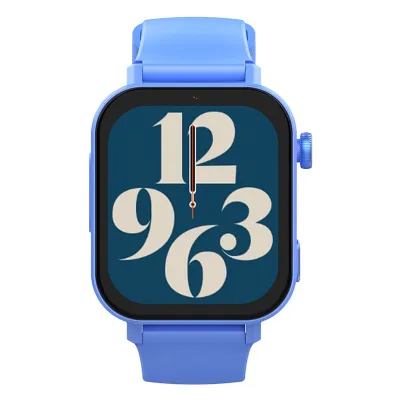
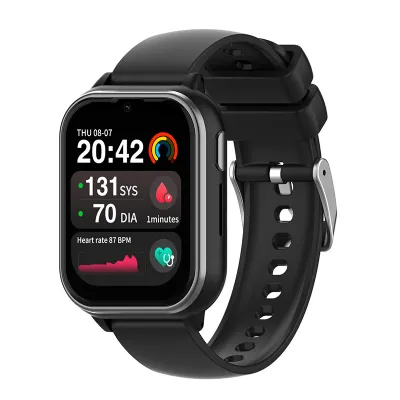
1. Introduction:
- Wonlex eSIM card mode (plug-in eSIM): A plug-in eSIM card can be interchanged with a SIM card. The Wonlex eSIM version allows users to activate and switch operator networks through software configuration. The watch can freely choose an eSIM card or a SIM card.
- Device and operating system requirements:
1. eSIM-enabled devices:
*The watch used for connection needs to support the eSIM function (e.g., Wonlex KT35, KT36)
2. Network and connection requirements:
*Network connection: A stable Wi-Fi network or a successful connection to a mobile hotspot is required during the activation process。
*Carrier support: Ensure your carrier provides eSIM services and obtain the eSIM configuration file (usually a QR code or activation code). Example:
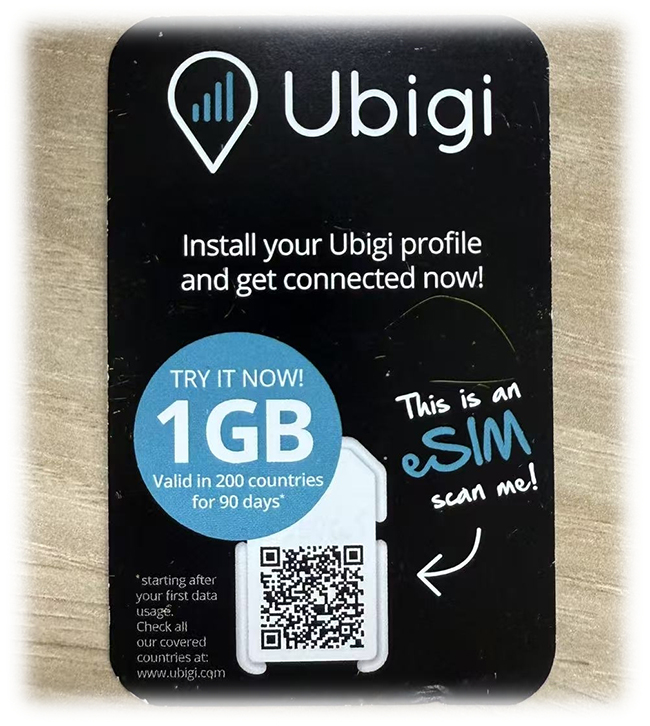 *eSIM Card:
 You need to go to a local operator that supports eSIM to purchase the eSIM QR code and eSIM profile.
*Others: Make sure your watch is unlocked and has sufficient power.。
2. Procedure:
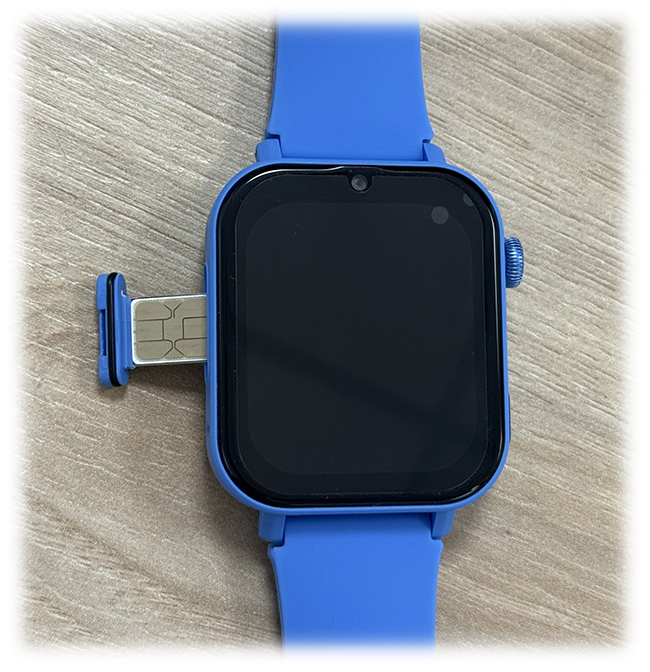
Step 1: Insert the eSIM card
Insert the eSIM card correctly into the card slot.
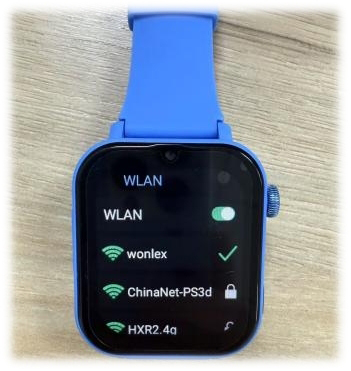
 Step 2: Connect to a Wi-Fi network (or mobile hotspot)
Open Settings > Wi-Fi Network > Connect to a successful Wi-Fi network (or mobile hotspot)
 Step 3: Scan the QR code
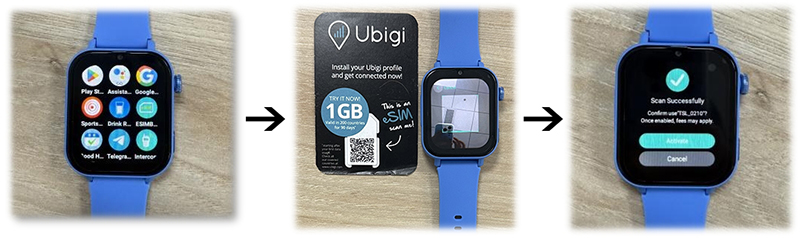
*Enter the eSIM application on your watch > Scan the QR code > Enter the authorization activation interface
 Step 4: Complete eSIM card activation
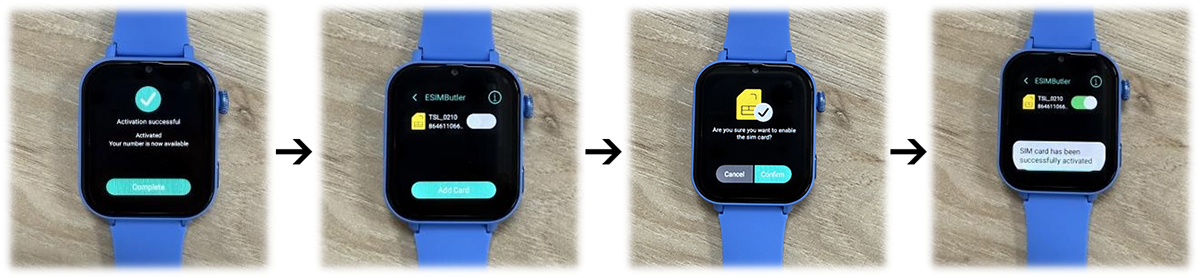
*Confirm activation authorization > Successful activation > Confirm to turn on eSIM > Complete activation
3. Common problems and solutions:
*Unable to scan QR code: Check device camera
*Activation failed: Make sure the Wi-Fi network connection is successful
*Some regions require a
VPN to be set up separately
*Contact after-sales